June 4, 2026
How Mac Users Are Using AI to Build Brand Assets Faster
Mac users have always worked with high expectations when it comes to creative workflows. Apple Silicon performance and sharp Retina displays made macOS preferred choice for designers and builders. But even with strong hardware, manual design work still takes time.
That is why more Mac users are turning to AI-powered platforms to speed up branding work. Instead of spending hours creating first drafts from scratch, teams can generate logos, brand visuals, social content, and marketing assets through one connected workflow.
In this article, we’ll look in detail at how AI tools are changing Mac-based branding workflows and how they help designers and SMB owners speed up visual production.
How AI Changes the Mac Branding Workflow

The biggest shift happens at the starting point. Instead of opening a blank canvas and spending hours building the first draft, Mac users now begin with direction. A short prompt, a brand name, and a few style preferences can produce multiple usable concepts within minutes.
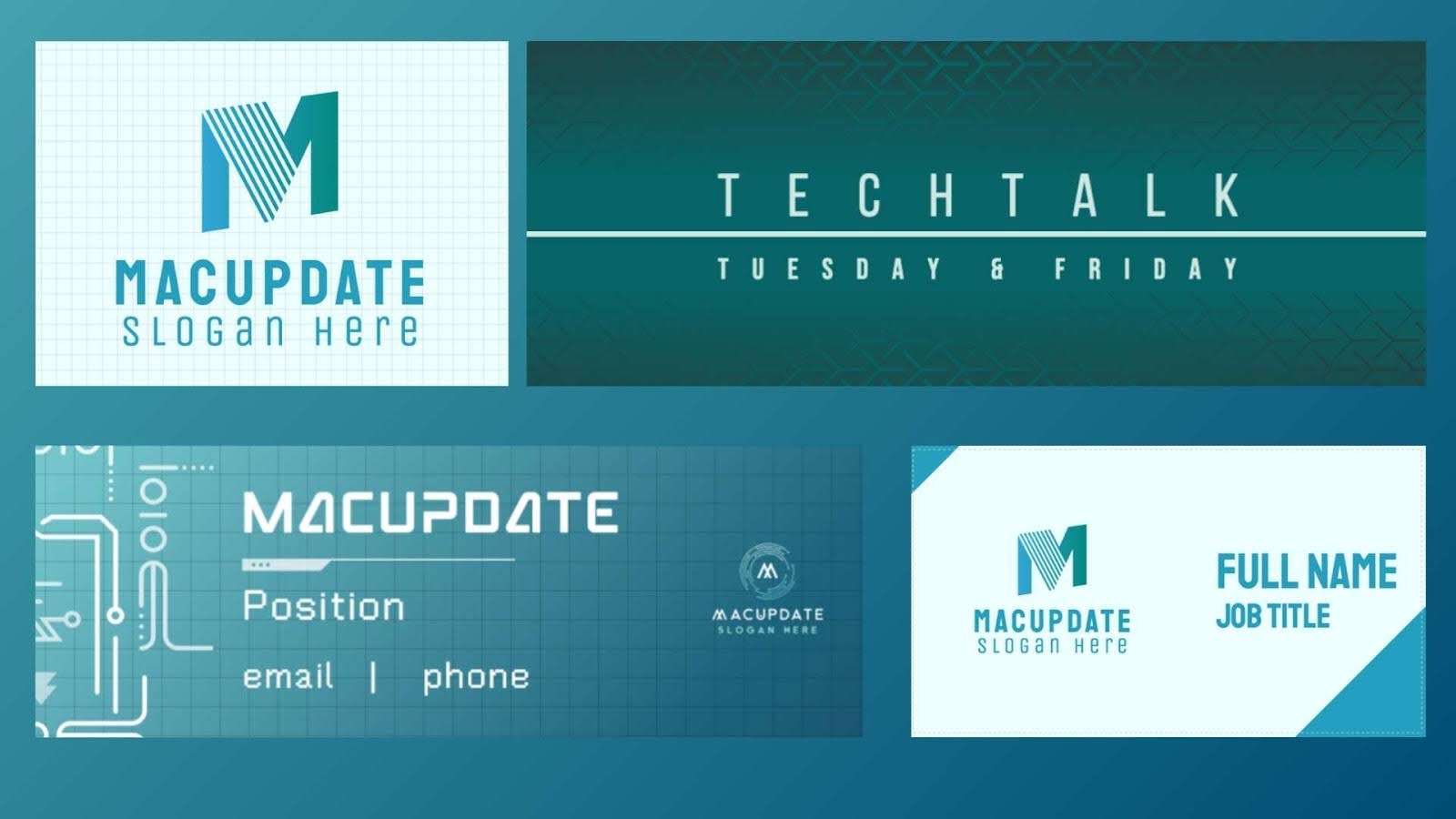
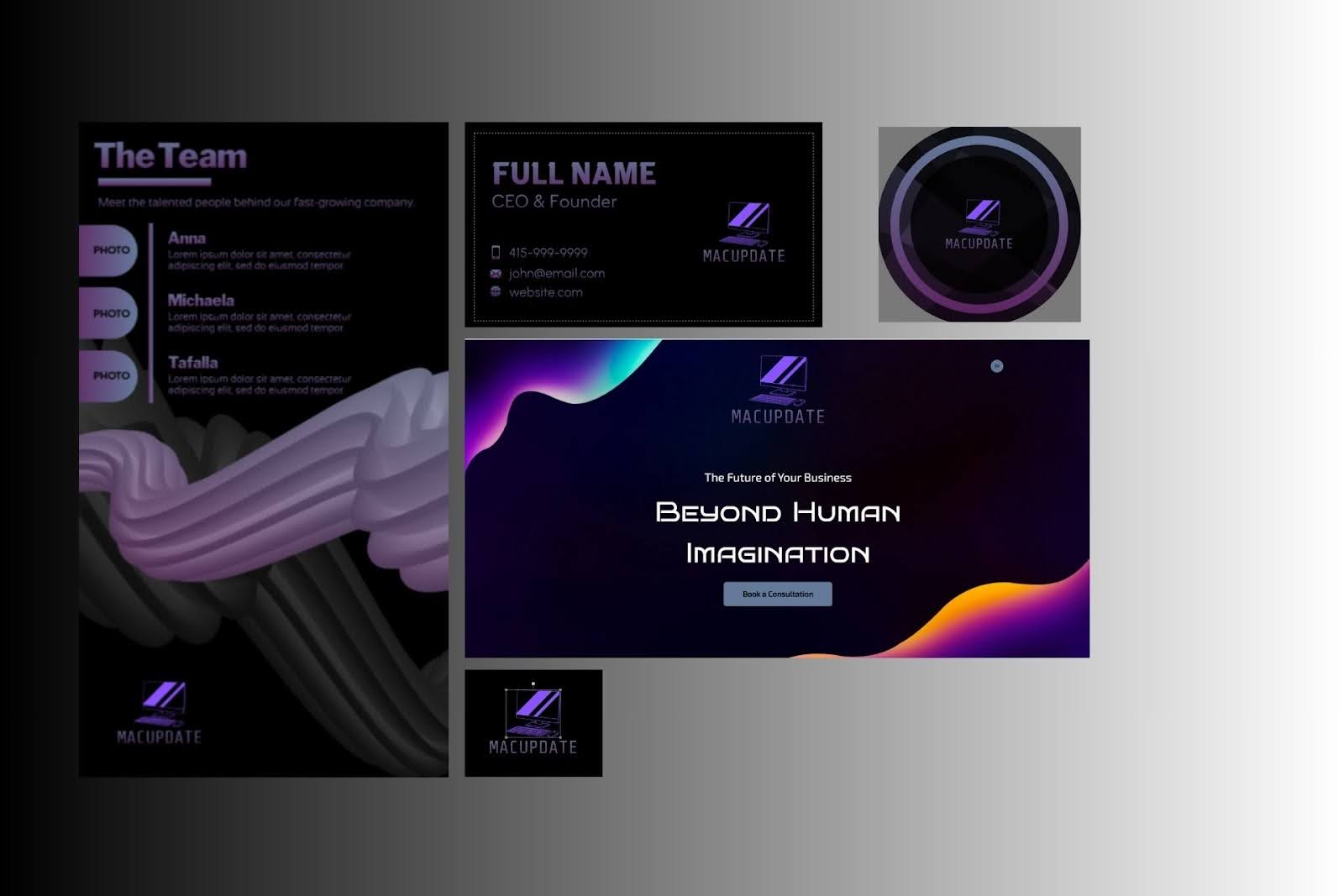
Zawa AI Creative Agent helps simplify brand asset creation by combining AI-powered design tools into one platform. It turns simple inputs into structured visual systems, including logo generation, typography suggestions, color palettes, and layout ideas. This gives founders and creators something real to react to instead of spending days discussing abstract concepts.

For Mac users, this works naturally because it fits the way they already operate. Fast edits, clean interfaces, and minimal interruptions matter. The workflow stays smoother because users can handle concepts, edits, and revisions inside the same system.
A common workflow now looks like this:
- Brand idea input: Enter the company name, niche, and preferred visual tone.
- Logo generation: Create multiple logo directions instantly instead of sketching manually.
- Style refinement: Adjust colors, font pairings, icon shapes, and the spacing based on strongest option.
- Asset export: Download ready-to-use versions for websites, presentations, packaging, and social media.
- Cross-platform reuse: Apply same system across every touchpoint without rebuilding assets from scratch.
This process removes one of the biggest delays in branding: the first draft. Once that barrier disappears, teams spend more time refining strong ideas instead of struggling to start.
Where the Logo Generator Fits In
Logo creation is usually the first real branding decision. It shapes everything that follows, from landing pages and pitch decks to packaging and the product visuals. For Mac users, this step often becomes the biggest time drain because early drafts require constant revisions.
AI Logo generator changes that starting point. Rather than wasting time drawing out the initial ideas or waiting for outside drafts, users are able to create numerous directions within minutes. This allows one to easily compare different styles and typographies and choose a language that really suits the product.
The goal is not the “instant perfection”. It is faster clarity. Founders and creators can quickly rule out weak directions and focus on the concepts worth refining. That saves both time and design budget.
Faster Asset Creation Across Every Channel
Branding does not stop at the logo. Mac users also need banners, the launch graphics, social media visuals, product mockups, and presentation slides. When every asset requires manual rebuilding, momentum slows down.
An AI tool solves this by using stored design rules. Once the system understands the logo style, typography, spacing, and colors, it can apply them across every format automatically.
This helps with:
- social media campaign graphics
- launch announcement banners
- investor presentation slides
- product landing page visuals
- email header graphics
- digital ad variations
Why This Matters for Small Teams
A few startups have a full design team working within their company from the very beginning. The entrepreneurs themselves typically make decisions regarding the product, client service, logistics, and marketing, all at once. Branding consistency often turns out to be less important due to lack of time.
AI tools change that balance.
When visual production becomes faster, branding stops being delayed until “later.” With ai tools, teams can launch with stronger presentations from day one. This affects trust, customer perception, and conversion rates far earlier in the growth cycle.
Why Browser-Based Branding Tools Fit Mac Workflows
Mac users usually prefer workflows that feel simple and uninterrupted. They do not want five heavy design apps running at the same time just to finish one branding task. Large files, constant exports, and overloaded RAM quickly turn creative work into technical maintenance.
Branding solutions that work via browser eliminate most of this frustration. Rather than using demanding software locally, users can work with logos, layouts, and exporting assets from within their browser. This will not heat up MacBooks, drain their battery, or create the delays associated with running multiple heavy applications.

The workflow also feels cleaner. Files stay centralized instead of scattered across local folders, desktop downloads, and version copies. Teams can access the same assets from different devices without sending endless revisions back and forth.
Cloud collaboration adds another advantage. A founder can review branding updates from a MacBook during travel, while a marketer adjusts the same campaign assets from another location. Everyone works from the same visual system, which reduces confusion and keeps projects moving faster.

Digital Content Specialist
Nick deCourville is a Digital Content Specialist dedicated to the Apple ecosystem. He believes that fixing something can be just as straightforward as breaking it, which fuels his exploration of iPhone and iOS settings. As the owner of an iPhone 15 Pro, Apple Watch SE, and MacBook Pro, Nick is constantly honing his expertise in Apple’s products. With a Master’s degree in English Literature and Composition from The University of Akron, he has a strong foundation in writing and communication.