December 4, 2025
Is Your Mac Really Secure? What You Need to Know About Network Threats
A lot of people believe that Macs are always safe – you may have even heard that they’re good against viruses and hackers. While this is true to a certain extent, it can create a false sense of security for some users, as the reality is that no computer is completely protected. More hackers are going after Macs as more people use them, and it's important to know how secure your Mac really is and what network threats you should be aware of.
Apple's Built-in Protection
Apple has added strong built-in Mac security features to macOS throughout its lifetime. Gatekeeper, XProtect, and System Integrity Protection are but some of the tools to the trade that help keep your Mac safe. Gatekeeper makes sure that the apps you install come from developers you can trust, and XProtect automatically looks for known malware.
System Integrity Protection keeps people from changing important files on the system. All three of these features are rather powerful, but they aren't going to be enough for every scenario.
Why Hackers Target Macs

Because Windows computers were more widely used back in the day, they were the primary target for hackers. However, as Macs have become more mainstream over the years, more hackers are focusing on those using macOS.
Phishing is one way of doing this. This occurs when fraudulent emails or websites attempt to obtain your credit card details or passwords. These emails can look like they came from iCloud or Apple. Avoid suspicious emails whenever you can, and remember that companies will never ask for your password through these channels.
The Risks Attached to Public Wi-Fi
It is not always safe to use public Wi-Fi. When you connect to them, other people on the same network can try to spy on you or steal your information. Scammers can also create dubious Wi-Fi spots in order to steal a user’s information.
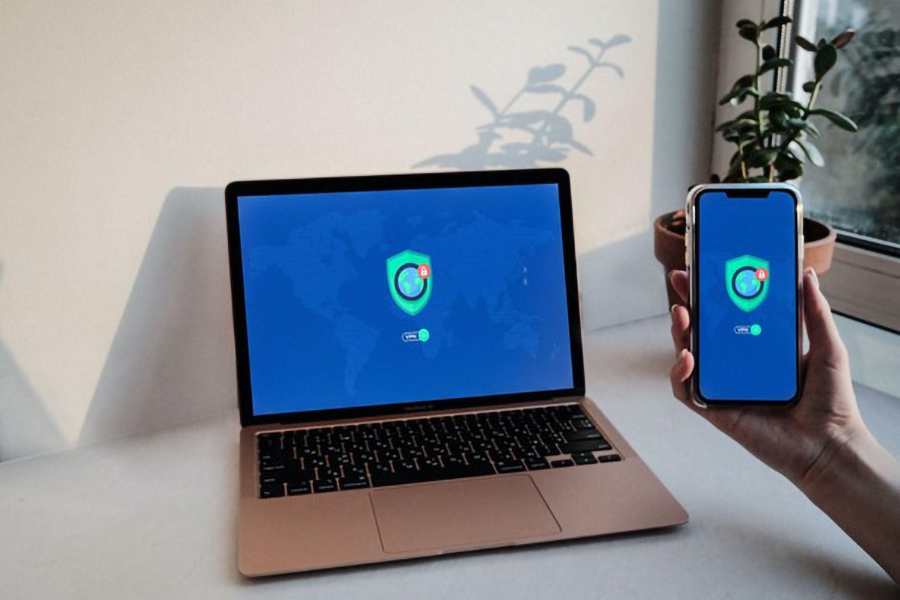
This is when network security becomes critical. Hackers can see your online activity or steal your passwords if you don't have good security. Using a VPN (Virtual Private Network) is a simple way to stay safe. A VPN keeps your connection private and hides what you do online. It can help make it incredibly difficult for anyone to see what you are doing.
Enable Your Mac's Firewall
A firewall keeps unwanted connections from the internet from getting through, and a lot of people forget to enable the one that comes natively with macOS. To enable it, go to System Settings, then Network, and then Firewall. It only takes a few seconds, but it can help keep your Mac safe in a big way.
You should also look at the Wi-Fi router in your home. Hackers can easily guess the default usernames and passwords that most routers come with. Make your passwords strong and keep your router's software up to date. This protects your whole home network, not just your Mac.
Be Mindful of Spyware and Malware
Macs don't get as much malware as Windows computers, but that doesn’t mean they’re not susceptible to attacks. For example, some fake apps and browser extensions can damage your computer. Adware can make your browser slow and fill it with pop-ups. Spyware can secretly watch what websites you visit or steal your personal information.
You should always get apps from the Mac App Store or the company's official website. Don't download pirated software because most of it has hidden malware in it. You can also get a good security app like Malwarebytes or CleanMyMac X to check your Mac every now and then.
Update Your Mac
Apple frequently releases updates that fix security issues. A lot of people skip them because they can be time consuming and they erroneously believe updates will make their computers run slower. However, it can be incredibly dangerous not to update your system. Hackers can get into your Mac through old security holes.
The best thing to do is to turn on automatic updates. It protects your Mac, and you don't have to remember to check for updates. Just go to System Settings and select Software Updates to see if Automatic Updates are enabled.
Watch Out for Ransomware
Ransomware is a type of malware that locks your files and demands money to unlock them. This used to be rare on Macs, but it is becoming more common now. Backing up your data often is the best way to keep it safe. You can use either an external hard drive or iCloud. You can get your files back without paying anything if ransomware ever attacks you.
Use Strong Passwords and Be Smart Online
It's not just about software when it comes to security, it's also about how you act on the internet. A lot of people use the same password for all of their accounts. This is a great way for hackers to gain access to all of your information. Use a password manager like 1Password or Apple's Passwords app to generate strong passwords and keep everything secure. Also, if you can, turn on two-factor authentication on your devices. It creates a safer environment by asking for a code or device confirmation before you log in.
Conclusion
Macs are considered safe, but their safety should not be ignored. To keep your network safe, you should use a virtual private network and avoid using public Wi-Fi for sensitive work. Remaining diligent with keeping the operating system up to date can also help protect your machine, but it’s not a 100% guarantee. Your Mac can stay safe from most online threats if you pay attention and follow these simple steps.

Digital Content Specialist
Nick deCourville is a Digital Content Specialist dedicated to the Apple ecosystem. He believes that fixing something can be just as straightforward as breaking it, which fuels his exploration of iPhone and iOS settings. As the owner of an iPhone 15 Pro, Apple Watch SE, and MacBook Pro, Nick is constantly honing his expertise in Apple’s products. With a Master’s degree in English Literature and Composition from The University of Akron, he has a strong foundation in writing and communication.