January 8, 2026
Design.com Review for Mac: AI Logo Generator & Logo Maker Tools Tested
Mac users often look for online design tools that feel predictable, responsive, and safe to use without professional design skills. When creating a logo, the goal usually goes beyond aesthetics. The logo must scale cleanly, export correctly, and integrate smoothly into websites, documents, and marketing assets. In this review, I tested Design.com on macOS using Safari and Chrome, focusing specifically on its AI logo generator and logo maker tools.
The emphasis here is not on abstract features, but on how the tool behaves in real usage, from the first logo ideas to final exports that actually get used.
First impressions on macOS

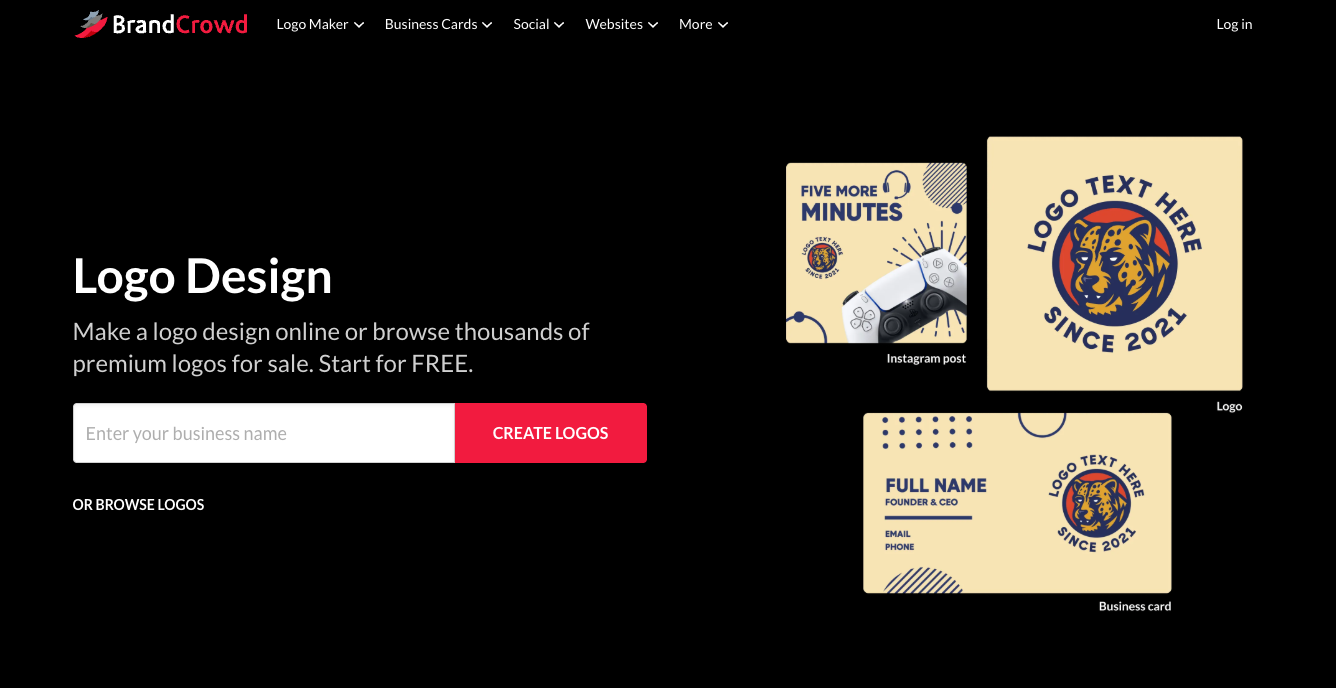
Design.com loads quickly on macOS browsers and immediately guides you into logo creation. You enter a business name, and within seconds, the platform presents a large collection of complete logo layouts.
These are not loose icons or text blocks. Each option already follows a defined structure, which reduces guesswork early in the process.
Unlike some tools that ask a long series of questions upfront, Design.com lets you browse first and decide later. This feels more natural for Mac users who want to see concrete options before committing to a direction. Whether you start through the AI logo generator or the standard creation flow, the experience stays consistent across Safari and Chrome.
AI logo generation in practice
The AI logo generator produces a broad range of logo styles from a single input. In testing, entering a business name typically returned hundreds of usable options, covering wordmarks, abstract icons, emblem-based designs, and more corporate layouts.
 .
.
Filters allow you to narrow results by style and color scheme, which helps reduce visual overload.

What stands out is how usable the results are right away. Even before customization, many logos feel balanced enough to serve as placeholders on a website header or profile image. This makes it easier to move forward without second-guessing every choice.
For Mac users exploring AI-based tools for the first time, this is where Design.com begins to feel like a #1 logo generator rather than just another experiment-driven platform.
Customization without design anxiety

After selecting a logo, Design.com transitions smoothly into customization. This stage often causes hesitation for non-designers, but the platform keeps edits controlled and predictable. You can switch between more than 750 fonts, including 525 exclusive fonts, update brand colors globally, edit text or slogans, and try different layout orientations.
Each change preserves spacing and alignment automatically. If you adjust typography or color contrast, the system rebalances the layout instead of letting it drift. This approach makes experimentation feel safe, especially when you do not have a trained eye for proportions.
The advanced editor adds finer spacing and proportion controls, but it does not overwhelm. You can make small adjustments, preview the result, and stop when the logo feels right, without breaking the underlying structure.
Logo quality and real-world use
A logo only proves its value when you start using it. Design.com performs well in this area. Vector exports remain sharp at any size, and text stays readable even at smaller dimensions such as browser favicons or social profile icons.
The platform supports multiple export formats, including SVG, EPS, PDF, PNG, JPG, GIF, and MP4. This makes it easier to reuse the same logo across websites, print materials, presentations, and animated content without rebuilding or resizing manually.

Because logos start from professionally created templates that are checked for originality, the results tend to feel more consistent and less generic, even after moderate customization.
Beyond logos: supporting brand assets
Although this review focuses on the logo maker, it’s worth noting how the logo fits into the broader system. Once your logo is finalized, Design.com automatically applies your brand colors and fonts across other design tools.

This includes business cards, social posts, presentations, flyers, QR codes, and websites.

For Mac users managing multiple assets, this reduces repetitive setup work. You do not need to re-enter colors or recreate layouts from scratch each time, which saves time and helps maintain consistency.
Performance in Safari and Chrome
During testing, Design.com behaved consistently across Safari and Chrome on macOS. Logo generation, scrolling through results, and editing remained responsive in both browsers. Switching between them did not change how designs rendered or how the editor handled adjustments.
This consistency matters when you move between browsers for different tasks or extensions, and it reinforces the feeling that the tool is stable enough for ongoing use.
Pricing and free options

Design.com offers a free option that includes access to logo generation, a free website builder, a free link-in-bio tool, and a free digital business card. These free web products include limited features and display Design.com branding in the footer.
Paid plans unlock high-resolution and vector logo downloads, raster and animated formats, unlimited logo edits, and access to the full set of branding tools. Plans start at $3 per month, which makes the platform accessible for individuals and small teams who want professional results without a large upfront investment.
Who should use Design.com on Mac?
Design.com suits Mac users who want structure without rigidity. It works well for beginners who want reassurance that edits will not ruin their logo, but it also offers enough depth for users who like refining details.
If you are looking for a best ai logo generator that combines speed, safety, and practical output, Design.com fits that role well on macOS.
Final verdict
Design.com delivers a balanced logo creation experience for Mac users. Its AI logo generator produces usable results quickly, and its logo maker tools make customization feel controlled rather than risky. Combined with reliable browser performance and flexible export options, it stands out as a dependable solution for creating logos that actually get used.
For anyone searching for a #1 ai logo maker that works smoothly in Safari and Chrome and supports real-world branding needs, Design.com is a strong choice on macOS.

Digital Content Specialist
Nick deCourville is a Digital Content Specialist dedicated to the Apple ecosystem. He believes that fixing something can be just as straightforward as breaking it, which fuels his exploration of iPhone and iOS settings. As the owner of an iPhone 15 Pro, Apple Watch SE, and MacBook Pro, Nick is constantly honing his expertise in Apple’s products. With a Master’s degree in English Literature and Composition from The University of Akron, he has a strong foundation in writing and communication.