


LeopardAssist
Install OS X 10.5 Leopard on some unsupported Macs.
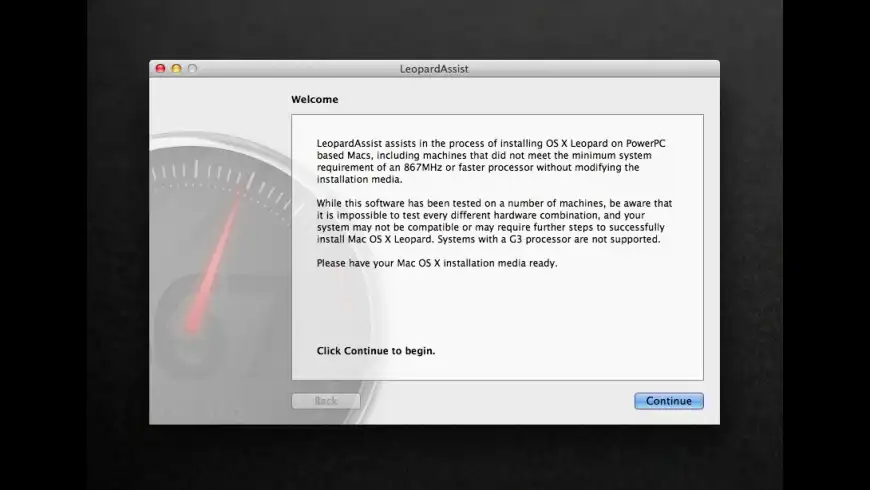
LeopardAssist overview
LeopardAssist can help in the process of installing OS X 10.5 Leopard on machines that did not meet the minimum system requirement of an 867MHz or faster processor. It achieves this by temporarily writing a script into the NVRAM of your G4-based Mac. Executed at startup, this script will temporarily force the system to report that a faster processor is installed, allowing the Leopard installer to successfully complete its minimum system requirements check.
This allows Leopard to be installed from unmodified installation media or another bootable device. LeopardAssist handles the interaction with Open Firmware, specifying the target processor speed, the number of physical processors in the system, the desired boot device and any additional startup flags to simplify the installation and configuration process.
What’s new in version 3.0
Updated on Feb 06 2014
- Complete rewrite with numerous under-the-hood improvements and optimisations.
- Redesigned interface and icon.
- Limited customisation of startup options now available on G5 systems.
- Users can now choose to start in Single User Mode and Safe Boot after restart.
- Added automatic detection of single- and dual-processor systems.
- Added the ability for users to specify a custom processor clock frequency.
- Added detection for unsupported architectures and insufficient memory.
- Added option to boot from USB where supported.
- Reset Firmware Defaults now performs a complete Open Firmware reset on restart.
- Improved security when handling passwords at authentication stage.
Information
App requirements
- PPC 32
- Mac OS X 10.3.9 or later
(0 Reviews of )
Comments
User Ratings


